

Matrix on Easy Mode
Run Matrix in minutes — not hours.
Deploy Matrix + Element with SSL, reverse proxying, and sane defaults already handled for you.
No nginx config battles. No certbot pain. No stitching the stack together by hand.
MatrixEasyMode runs on your server, your domain, and your infrastructure — while giving you a clearer way to deploy, inspect, and operate your Matrix stack.

Easy mode includes
- ✓ Matrix homeserver
- ✓ Element Web
- ✓ SSL + reverse proxy
Product preview
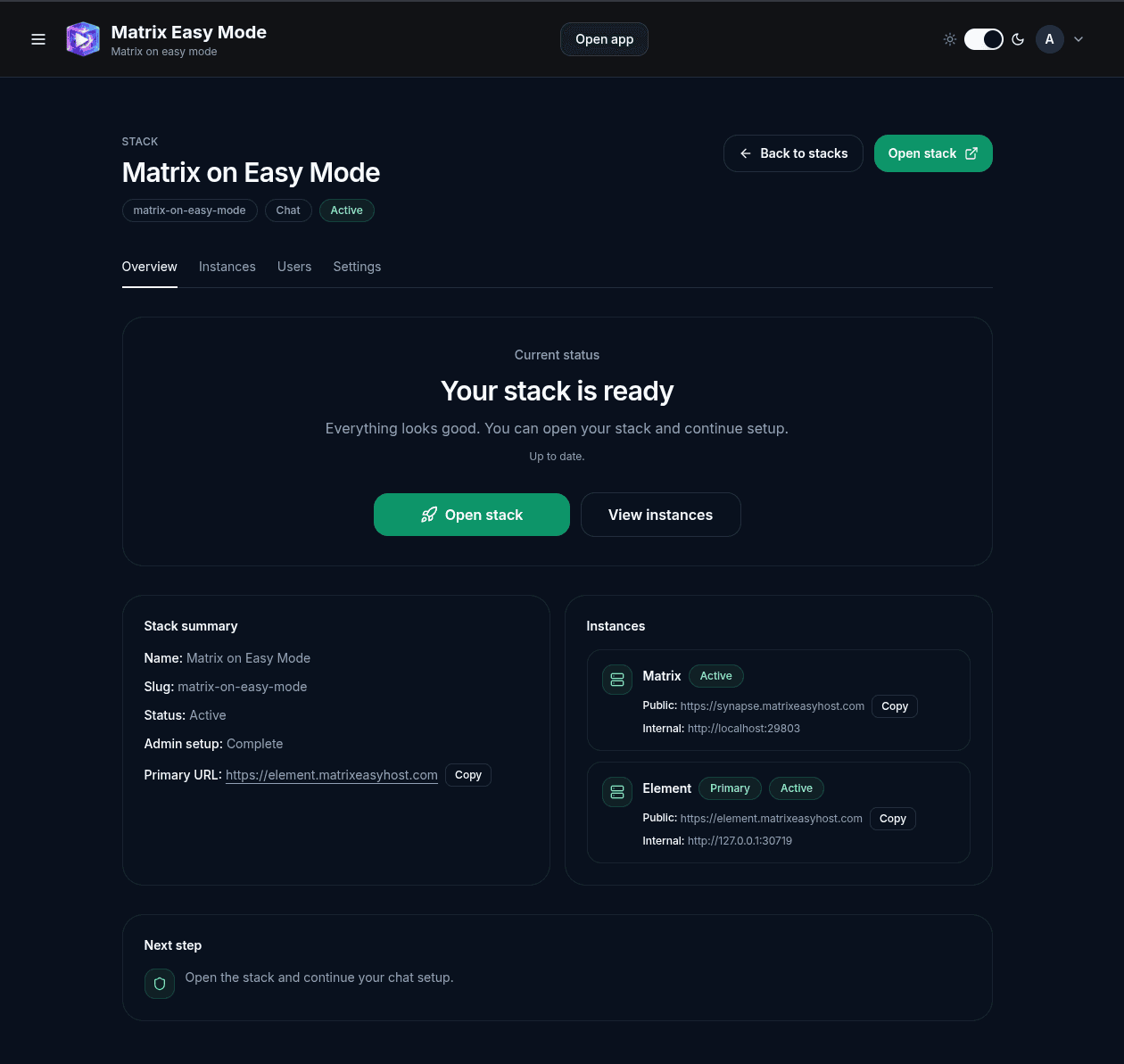
Deploy a complete Matrix stack from one place
Create a stack, watch Matrix + Element provision, then open your deployed chat environment without jumping between shell commands, proxy configs, and scattered setup notes.
Core benefits
The hard parts of Matrix hosting, made easier
MatrixEasyMode gives you a guided, self-hosted path to a working Matrix + Element deployment — without turning SSL, proxying, and service wiring into a weekend project.
Matrix + Element in one stack
Deploy the homeserver and web client together, with the moving parts treated as one managed Matrix environment.
SSL and reverse proxy included
Avoid the usual nginx, certbot, domain, and routing pain. MatrixEasyMode handles the deployment path around those pieces for you.
Built for your server
Run it on infrastructure you control — VPS, home lab, Proxmox host, mini server, or wherever you already self-host.
Clear stack status
See whether your Matrix stack is ready, what services are running, and where to open the deployed environment.
Open source under AGPLv3
Inspect the code, run it yourself, and keep control of the software responsible for your private communication stack.
Built on proven foundations
MatrixEasyMode builds on Matrix / Synapse, Element, Nginx Proxy Manager, and Postgres instead of reinventing the communication stack.
Self-hosted by design
Built for people who want ownership without unnecessary complexity
MatrixEasyMode aims to make Matrix deployment simpler without hiding where things run, how services are connected, or who controls the infrastructure.
Ready to try it?
Put Matrix on easy mode.
Start with the guided install path, get a working Matrix + Element stack, then tune the deployment when you need deeper control.